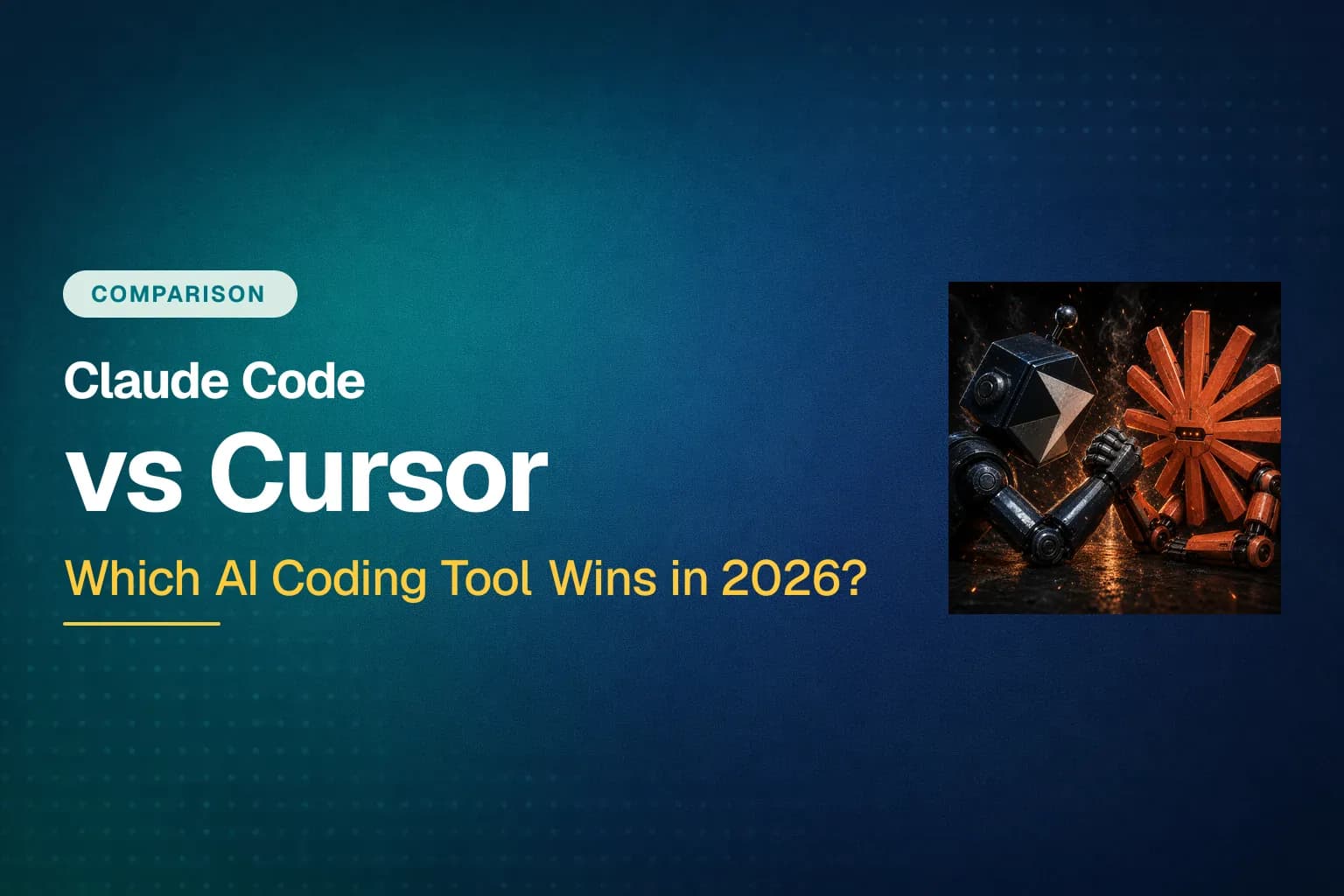
The 2026 debate between Claude Code and Cursor is loudest in almost any developer community you open. By now over 84% of developers use or plan to use AI coding tools (Stack Overflow Developer Survey, 2025), and yet most still can't tell you which one to pick. The confusion is fair: on paper they sound alike, but they solve AI-assisted coding in fundamentally different ways.
I run both daily on real client projects. I'm a Top Rated Plus freelancer with 100+ projects across 10+ years of development. This guide is the comparison I wish existed: not a feature-list dump, but a clean answer on which tool wins which job, what each one lacks, and what both cost in 2026.
Key Takeaways
- Claude Code (autonomous coding agent) wins multi-file refactors, migrations, and CI automation. Cursor (VS Code fork) wins inline editing, tab autocomplete, and visual diff review.
- Neither is a superset of the other. Each ships features the other simply lacks: Claude Code has a headless CLI and MCP; Cursor has tab completion and model routing.
- Both start at $20/month, but bill differently. Claude Code is a flat subscription; Cursor is a credit pool with overages.
- Most production developers use both. The real skill is matching the tool to the shape of the task.
What Is Cursor?
Cursor is a VS Code fork with AI woven into every panel. You see your code, highlight a section, and the AI edits it inline with Tab autocomplete, Cmd+K rewrites, and visual diffs you accept or reject by keypress (Cursor, 2026). It's model-agnostic — you can route requests through Claude, GPT, Gemini, or its own Composer model from one picker.
Its strength is that it keeps you close to the code. The feedback loop is tight: it suggests, you see the diff immediately, you accept or correct. This makes Cursor excellent for the 60–70% of a developer's day that is small edits, UI work, and file-by-file changes.

The trade-off is architectural. Cursor's context is what you give it; you add files to chat or use @-mentions. Its agent can start losing the thread past three to five files in a large monorepo (Levelop, 2026). For developers who live in an IDE and value fine-grained control, that's a feature, not a bug.
What Is Claude Code?
Claude Code is Anthropic's autonomous coding agent. It started as a terminal tool, and while the terminal CLI remains its home base, Anthropic has since shipped a desktop app, a browser interface, and extensions for VS Code and JetBrains — so you can run the same agent from a GUI as well (Anthropic, 2026). You describe an outcome in plain language, and it reads your repository, plans changes across files, runs shell commands, executes tests, and corrects its own errors, all from an agentic gather-context → take-action → verify loop.
Its core edge is whole-repo reasoning. Claude Code can hold roughly a 1-million-token context window and reads files on demand rather than stuffing everything into the prompt. For a multi-file refactor that requires connecting your API layer, database models, and frontend state, it doesn't drop context the way completion-first tools do.
The trade-off is ergonomic. Claude Code is still strongest in the terminal. The GUI surfaces are newer, and its inline editing story isn't as polished as Cursor's, which is a VS Code fork by design. It also refuses to run without a paid subscription (no free tier). But if you think in scripts, pipelines, and delegated work, it's the more capable of the two at scale. A workflow like an 80+ file rename that would take a full day has completed in under an hour with Claude Code (Trendix, 2026). If you're new to the tool, our guide to agent skills walks through the reusable workflows that make it fast.
Claude Code vs Cursor: Head-to-Head, Task by Task
The honest finding from every real-world comparison, including our own client work, is that code quality is nearly identical when both use the same model family. The difference is the shape of your workflow. Let's score the tasks that make up a typical day:
| Task | Winner | Why |
|---|---|---|
| UI editing / small fixes | Cursor | Inline suggestions + visual diff, tight loop |
| Tab autocomplete | Cursor | Its signature feature — no CC equivalent |
| Multi-file refactor | Claude Code | Repo-wide context, plans and sweeps files itself |
| Bug hunt / debugging | Claude Code | Greps, reads, traces the flow autonomously |
| Test generation | Tie | Cursor is faster; Claude Code is more thorough |
| CI / headless automation | Claude Code | claude -p in pipelines, no GUI needed |
| Visual diff review | Cursor | Accept/reject by keypress in the editor |
Source: composite of Zapier, Levelop, Trendix, nesyona (2026).
The recurring pattern: Cursor wins editor-driven, in-flow edits. Claude Code wins autonomous, cross-file work. When I hand Claude Code a client task that touches a data layer, an API route, and tests, it finds the files itself and runs the suite before it reports back. Cursor needs me to keep driving. When I want to see a diff highlighted inline and accept it with a keypress, no terminal tool comes close to Cursor.
Feature Differences: What One Has That the Other Doesn't
Most comparisons miss this, but feature parity is not one-to-one. Each tool ships capabilities the other simply lacks. And that gap is often the real deciding factor, not "which model is smarter."
| Feature | Claude Code | Cursor |
|---|---|---|
| Interface | Terminal + desktop app + browser + IDE extensions (2026) | VS Code fork (GUI) |
| Interaction model | Agentic — you delegate, the agent drives | Editor-assisted — you drive, it suggests |
| Tab autocomplete | ❌ No equivalent | ✅ Signature feature |
| Visual inline diffs | ⚠️ Has GUI, but less fluid than Cursor | ✅ Accept/reject by keypress |
| Inline edits (Cmd+K) | ❌ Not a core surface | ✅ Yes |
Headless CLI for CI/SSH (claude -p) | ✅ Yes | ❌ No CLI |
| Context window | ~1M tokens, doesn't degrade | Varies by model, can shrink on large repos |
| Persistent project memory | ✅ CLAUDE.md + rules + auto-memory | ⚠️ Through rules only |
| MCP server support | ✅ Yes | ⚠️ Via extensions |
| Sub-agents / agent teams | ✅ Yes, with hierarchy | ⚠️ Newer, less mature |
| Git worktree parallelism | ✅ Yes | ❌ No |
| Checkpoints (one-click undo) | ✅ Yes | ❌ No |
| Model routing | ❌ Claude models only | ✅ Claude, GPT, Gemini, Composer |
| Free tier | ❌ Paid only | ✅ Yes (limited) |
| VS Code extension ecosystem | ⚠️ Via IDE extension | ✅ Full ecosystem |
Source: Anthropic + Cursor docs, Zapier, Trendix (2026).
Here's the insight most posts skip: neither tool is a superset of the other. Cursor has no headless CLI for pipelines and no MCP story as deep as Claude Code's. Claude Code gained GUI surfaces and a real IDE extension in 2026, but its inline diff review still isn't as fluid as Cursor's, and it has no tab autocomplete. A single-tool setup always gives something up — which is exactly why so many serious teams quietly run both. For a deeper look at how these tools share context, see our guide to the Model Context Protocol.
Claude Code features — where's the Cursor equivalent?
The sharpest lens on the difference is to take Claude Code's flagship features one at a time and ask: does Cursor do this, and if so, how well? Some have direct mirrors; others have no real equivalent at all.
| Claude Code feature | In Cursor? | What Cursor offers instead |
|---|---|---|
Skills (reusable SKILL.md workflows) | ⚠️ Partial | .cursor/commands custom prompts — but no auto-triggering by intent like Skills |
| Plugins / CLI tools (run real CLIs, autocomplete, orchestrators) | ❌ Missing | No direct equivalent; closest is calling shell commands via Agent mode manually |
| Sub-agents (parallel agents, hierarchical tasks, tool isolation) | ⚠️ Partial | Cursor Agent mode runs parallel agents, but they can't form hierarchies or divide work like CC teams |
| Hooks (run scripts on lifecycle events) | ❌ Missing | No hook system; everything is manual or extension-based |
| Checkpoints (one-click git undo before risky ops) | ❌ Missing | VS Code's git history, but nothing automatic before agent edits |
CLAUDE.md persistent memory + auto-memory | ⚠️ Partial | .cursor/rules/ project rules — static, no auto-memory |
| MCP server support | ⚠️ Partial | Supported via extensions, but routing/debugging is less seamless |
Headless claude -p for CI/SSH | ❌ Missing | No CLI at all — no pipeline or remote-box usage |
| Agent Teams (coordinated multi-agent workstreams) | ⚠️ Partial | Cloud agents exist, but no team-level cooperation or task tracking |
| Git worktree parallelism | ❌ Missing | Not supported natively |
| Native git / PR creation | ⚠️ Partial | Strong git UI, but not agent-driven commit/PR flow |
| Project slash commands | ⚠️ Partial | Cursor has custom commands, but no shell execution behind them |
Agent Tech / README | ⚠️ Partial | No auto-generated agent tech/procedure memory |
Key gaps: Cursor has no real equivalent to Skills, pluggable CLI tools, hooks, checkpoints, or a headless CLI. If those matter to your workflow, that's the strongest reason to reach for Claude Code — regardless of how much you enjoy Cursor's editor. The features Cursor does mirror (rules, MCP, sub-agents) tend to be younger and less mature there.
Context & Codebase Size: Why It Matters More Than It Looks
The single biggest architectural difference is how each tool handles context. Claude Code's ~1M-token window plus its read-on-demand agentic loop means it can reason across hundreds of files without losing the thread. Cursor's indexing is genuinely good, but its agent can quietly lose context mid-task on a very large monorepo, and you end up manually pinning files to the window (nesyona, 2026).
Concrete case: renaming a core abstraction that touches 20 files. In Cursor, you drive it file by file in Agent/Composer mode, review each diff, and accept — you stay in control but you stay in the loop. In Claude Code, you describe the change once, and it plans the edit, sweeps all 20 files, updates imports and tests, and runs the suite before handing it back. On a 3-file change the difference is negligible. On a 200-file rename it's the whole ballgame.
Pricing in 2026: Which One Saves You Money?
Both tools start at the same $20/month entry price, but their billing models are structurally different. That difference surprises a lot of people on the first invoice.
| Plan | Claude Code | Cursor |
|---|---|---|
| Free | ❌ None | ✅ Limited |
| Pro | $20/mo | $20/mo |
| Mid tier | Max 5x — $100 | Pro+ — $60 |
| Top tier | Max 20x — $200 | Ultra — $200 |
| Billing model | Flat subscription, soft caps | Credit pool, per-request overages |
| Model modes | Claude only | Multi-model (Claude, GPT, Gemini) |
Source: anthropic.com/pricing, cursor.com/pricing (2026).
The practical difference matters for freelancers. Claude Code Pro is a flat subscription with a soft cap and throttling, which means a predictable monthly cost. Since June 15, 2026, its autonomous and programmatic usage moved to a separate credit pool billed at API rates (Alexander Dunlop, 2026), so heavy headless usage can climb past what a flat fee suggests. Cursor Pro is a credit pool that depletes per request and then bills overage; it scales with how much frontier model usage you burn. If you want one predictable line item, the bundled subscription is easier to reason about. If you would rather pay for exactly what you use, the credit model fits, as long as you set a limit.
Can You Use Both Together?
Yes, and it's the most common production setup we see in 2026. Cursor becomes your editor all day; Claude Code runs in a terminal pane and gets invoked for multi-file changes, repo-wide refactors, library upgrades, and any task that touches shell tools. Combined cost is roughly $40/month (Cursor Pro at $20 plus Claude Pro at $20, which includes Claude Code).
The trick is a clean handoff. Keep one shared set of rules; mirror your CLAUDE.md into .cursor/rules/ so both tools give consistent advice. Only let one AI edit at a time, then use git to inspect the handoff (TurboGeek, 2026). And because the Claude Code extension and CLI share conversation history, you can start a session in Cursor's side panel and continue it in the terminal with claude --resume without losing context. (That shared configuration runs on the Model Context Protocol, explained further in the guide linked above.)

Which Should You Choose? A Decision Guide
The verdict isn't a single winner. It's a match between tool and workflow. If you can only pick one, let this guide decide for you:
Pick Cursor first if:
- You spend most of your day in an editor doing file-by-file work
- You value inline diff visualization and accept/reject review
- You want a lower learning curve and a genuinely usable free tier
- You want to route across multiple models (not just Claude)
Pick Claude Code first if:
- Your work is dominated by repo-wide refactors, migrations, and test loops
- You want to delegate multi-file work to an agent and review the results
- You already pay for Claude Pro and want to maximize that subscription
- You work over SSH, in headless/CI environments, or want a GUI in your IDE
Our recommendation for most developers: start with Cursor, get comfortable with AI-assisted editing in a familiar editor, then add Claude Code when you hit tasks that need autonomous multi-file work. The reverse order is right for developers who already think in agents and want to delegate heavy refactors. Claude Code's new GUI and IDE extensions lower the old "you must live in a terminal" barrier — but its editing experience still rewards people comfortable working at a higher level of abstraction. Ready to push either tool further? Our roundup of the best Claude Code plugins shows what you can add on top.
Frequently Asked Questions
Can you run Claude Code and Cursor at the same time?
Yes. Cursor edits files in the editor while Claude Code edits files in the terminal — they share the same filesystem and git tree, so changes are immediately visible in both. The only rule is to avoid both tools editing the same file simultaneously, which produces merge confusion. Most developers use Cursor for the file they're actively in and Claude Code for everything else.
Does free vs paid matter between the two?
Yes. Cursor offers a usable free tier with limited completions, which is the only way to evaluate either tool without paying. Claude Code has no free tier — it requires at least a Pro subscription at $20/month. For students and hobbyists, that free tier is often the deciding factor.
Which is better on a large codebase?
Claude Code, decisively. Its ~1M-token context window plus read-on-demand reading scales to whole repositories, while Cursor's agent tends to lose the thread past three to five files or on very large monorepos. If your work is a big distributed system, that difference matters more than any benchmark number.
The Bottom Line
Claude Code and Cursor are not one tool with two skins; they're two different postures. Claude Code asks you to delegate: describe the outcome, let the agent drive across the codebase and the terminal, review the result. Cursor asks you to drive: stay in the editor, accept diffs, stay in flow. Neither is a superset of the other, and both cost the same to enter.
In 2026, the strongest move for most developers isn't a winner-picking switch. It's running both, with a clear division of labor. Match the tool to the shape of the task, and you stop arguing about which AI is smarter and start shipping faster.
Read more
What Are Agent Skills? A Developer's Guide to Reusable AI Workflows
Agent Skills let you package reusable prompts as slash commands in Claude Code. Learn how SKILL.md files work, where they live, and how to build your first skill.
10 Best Claude Code Plugins That Actually Improve Your Workflow
9,000+ Claude Code plugins exist, but only ~100 are production-ready. Here are 10 worth installing — plus a CLI-first approach that cuts token costs by 96%.
Is DeepSeek V4 Flash Really Free? How to Use It in OpenCode
DeepSeek V4 Flash is free in OpenCode — no credit card needed. It scores 50/100 on the Artificial Analysis Intelligence Index (#3 of 101) at $0.03 per task. Full setup guide inside.